 MailDirect Help
Add Recipient
Add Recipient
- The API used to add new recipients and mapping Recipients to the List.
- The Details File downloaded in the form of zip if Download As Zip File is checked or download simple text file.
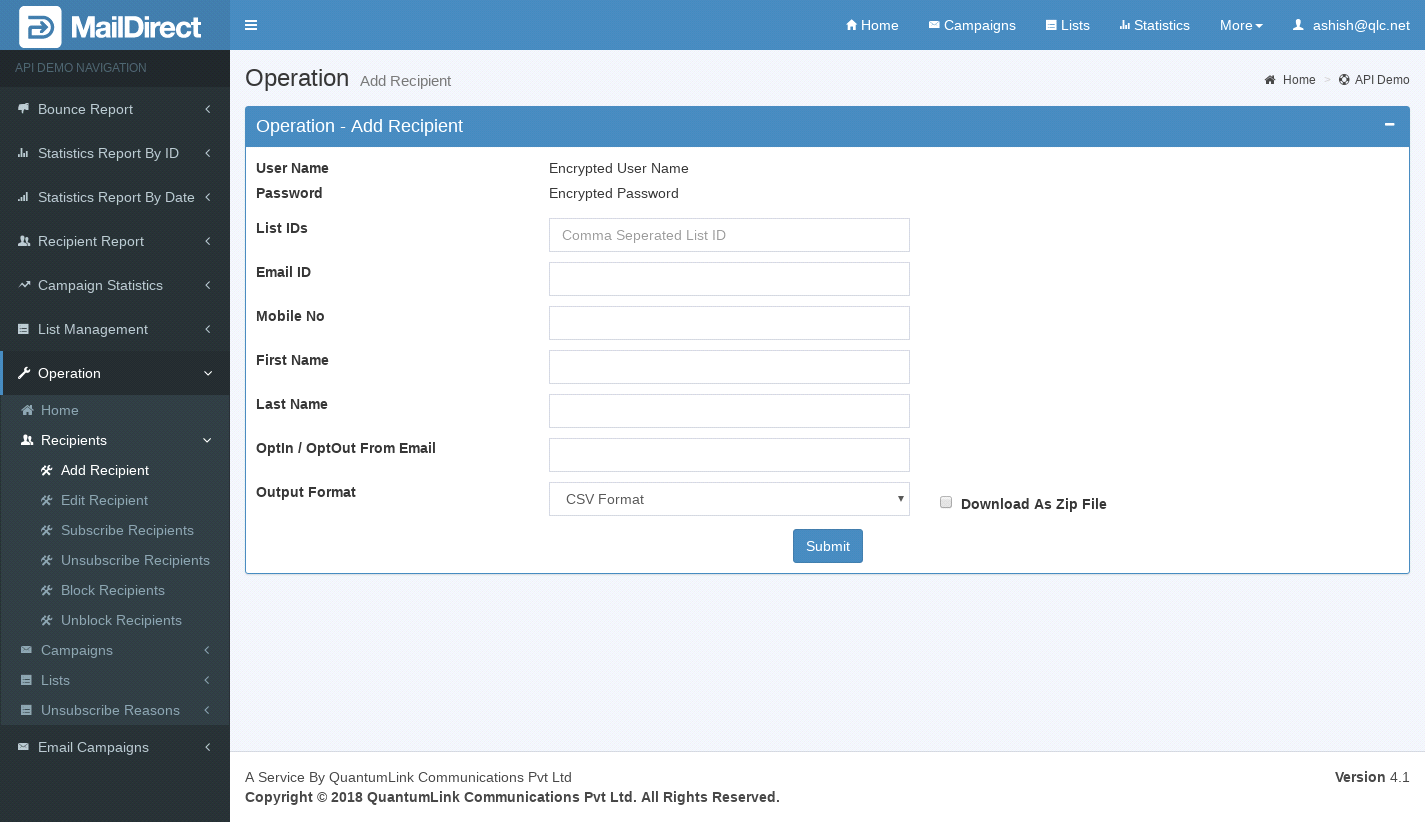
Figure : Add Recipients
Table : Add Recipients
|
Sr |
Fields |
Description |
|
1 |
username |
Encrypted User Name |
|
2 |
password |
Encrypted Password |
|
3 |
List IDs |
List IDs in which recipients to be added |
|
4 |
Custom Fields |
Email, Mobile No, First Name, Last Name, Date etc. are the custom fields |
|
5 |
OptIn From Email |
From Email which is used to send campaign. (Optional). Applicable in case of Single Opt In & Opt Out or Double Opt In. It's restricted email id which is used as From Email to send campaigns |
|
6 |
Output Format |
The Format of the file to be downloaded for details. i.e. csv or xml or json |
|
7 |
Download As Zip File |
The Type of file to be downloaded for details. i.e. zip or text |