 MailDirect Help
Client Repository
Client Repository
Add/Create Client Repository
- To add new Logo user have to click on Add Client Repository.
- Client repository allows users to add logos for email marketing campaigns.
- Client Repository allows the custom logos are displayed, when the recipient unsubscribes or manage the subscription list. While composing Campaign the Client Repository can be selected.
- They can attach images to create logos in campaigns.

Figure : Add Client Repository
Table : Add Client Repository
|
Field |
Description |
|
Client Name |
This field displays the Name of client of corresponding logo |
|
Description |
This field displays the Description for the corresponding logo |
|
Logo ToolTip |
This field displays the ToolTip for the corresponding logo |
|
Client Logo |
This field selects the logo image Note: Logo image with proper size and type is allowed for improper image error message will be shown and image won't be accepted |
Edit Client Repository
- To edit the existing Logo/ Client Repository: Click on Edit button, the Logos will be displayed and clicking the logo will allow editing the Logo/ Client Repository.
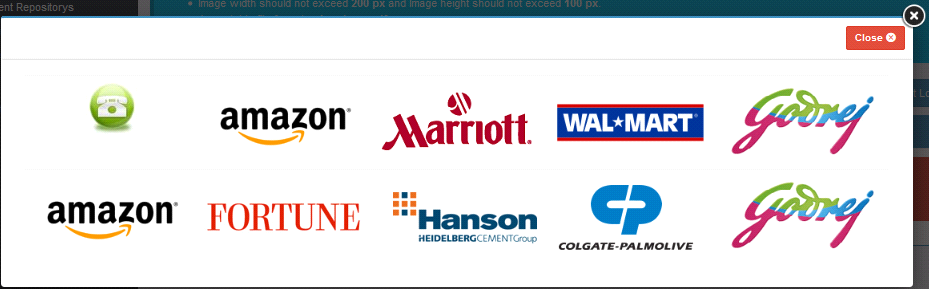
Figure : Edit Client Repository
- An account will allow 10 Logos/ Client Repository and when the limit exceeds, on adding Client Repository, the page will be displayed.
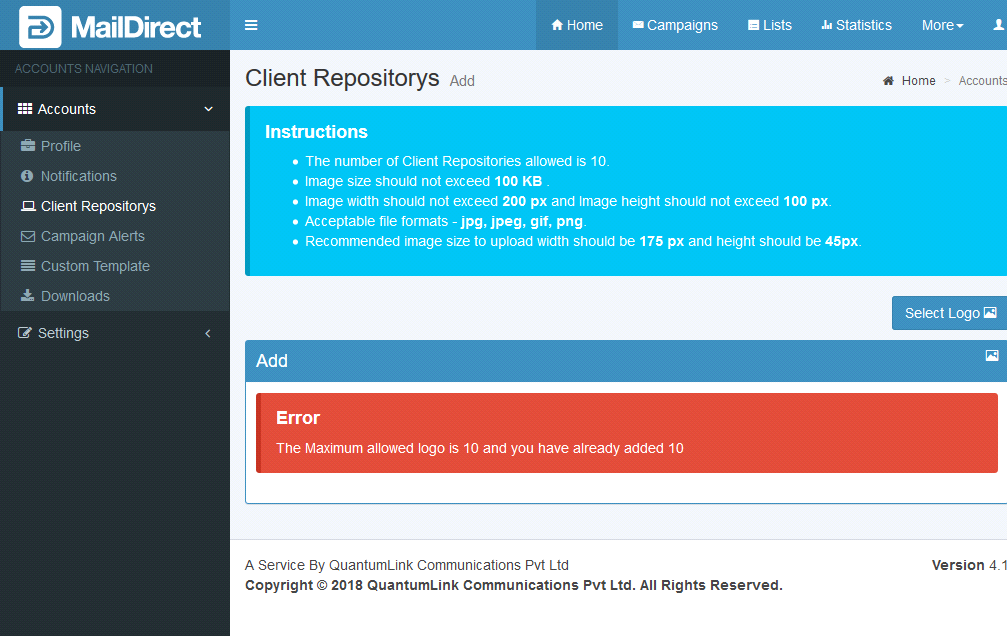
Figure : Client Repository Page when limit exceeds