 MailDirect Help
Compose Message Options
Compose Message Options
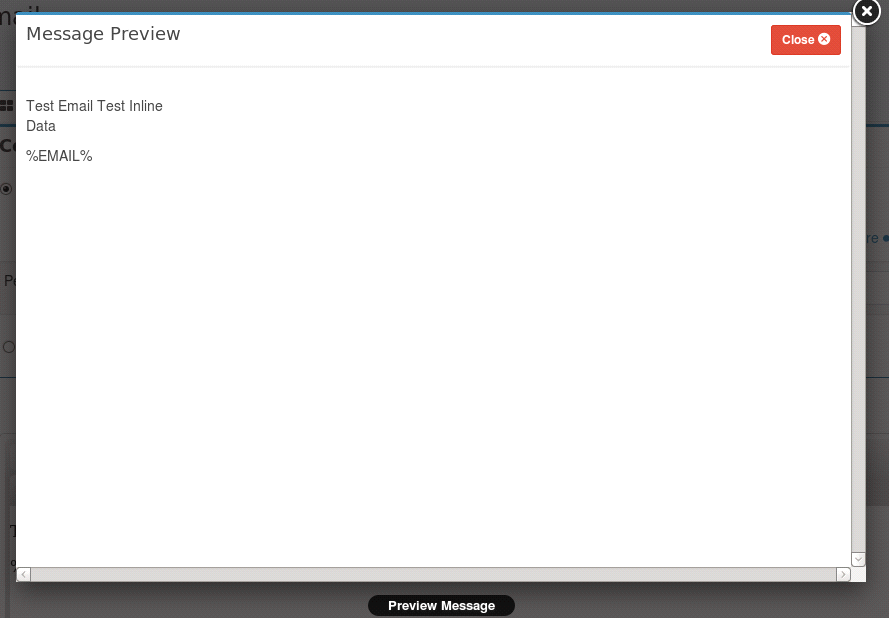
- Click the Preview button.
- Mail Direct displays the Preview screen.
- The user can preview the composed message.
Unsubscribe Text
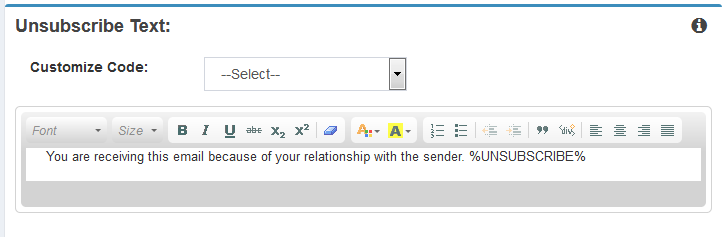
Figure : Create Template - Unsubscribe Text.
Unsubscribe Text provides option to modify the unsubscribe message and link, in order to enable recipients to unsubscribe from Mailing List.
Disclaimer Text
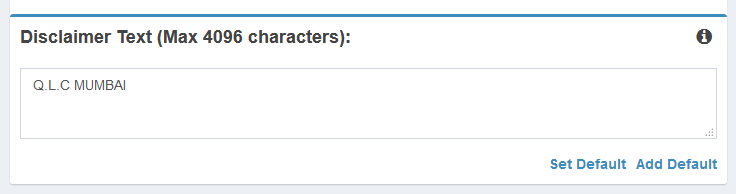
Figure : Create Template - Disclaimer Text.
Disclaimer Text provides option to modify or add disclaimer text. User can also set default disclaimer text for all emails by clicking Set Default Link.
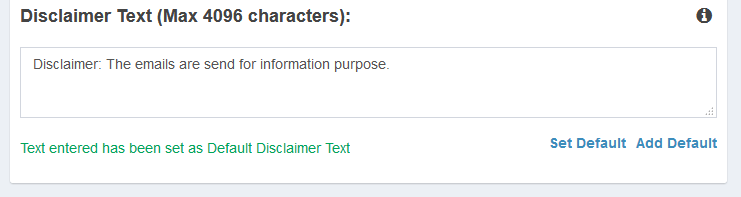
Figure : Create Template - Disclaimer Text - Set Default
Users can also Add default disclaimer text for all emails by clicking Add Default Link.
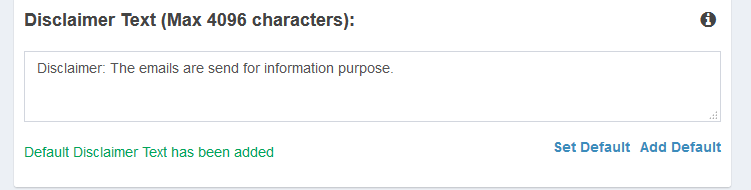
Figure : Create Template - Disclaimer Text - Set Default
- Click the
 Next button.