 MailDirect Help
Create Email
Create Email
- The API is used to create email.
- The Message contents are based on URL or File Upload (HTML, TEXT or EML File).
- The Other parameters include From Email, From Name and Subject.
- The Details File downloaded in the form of zip and text.
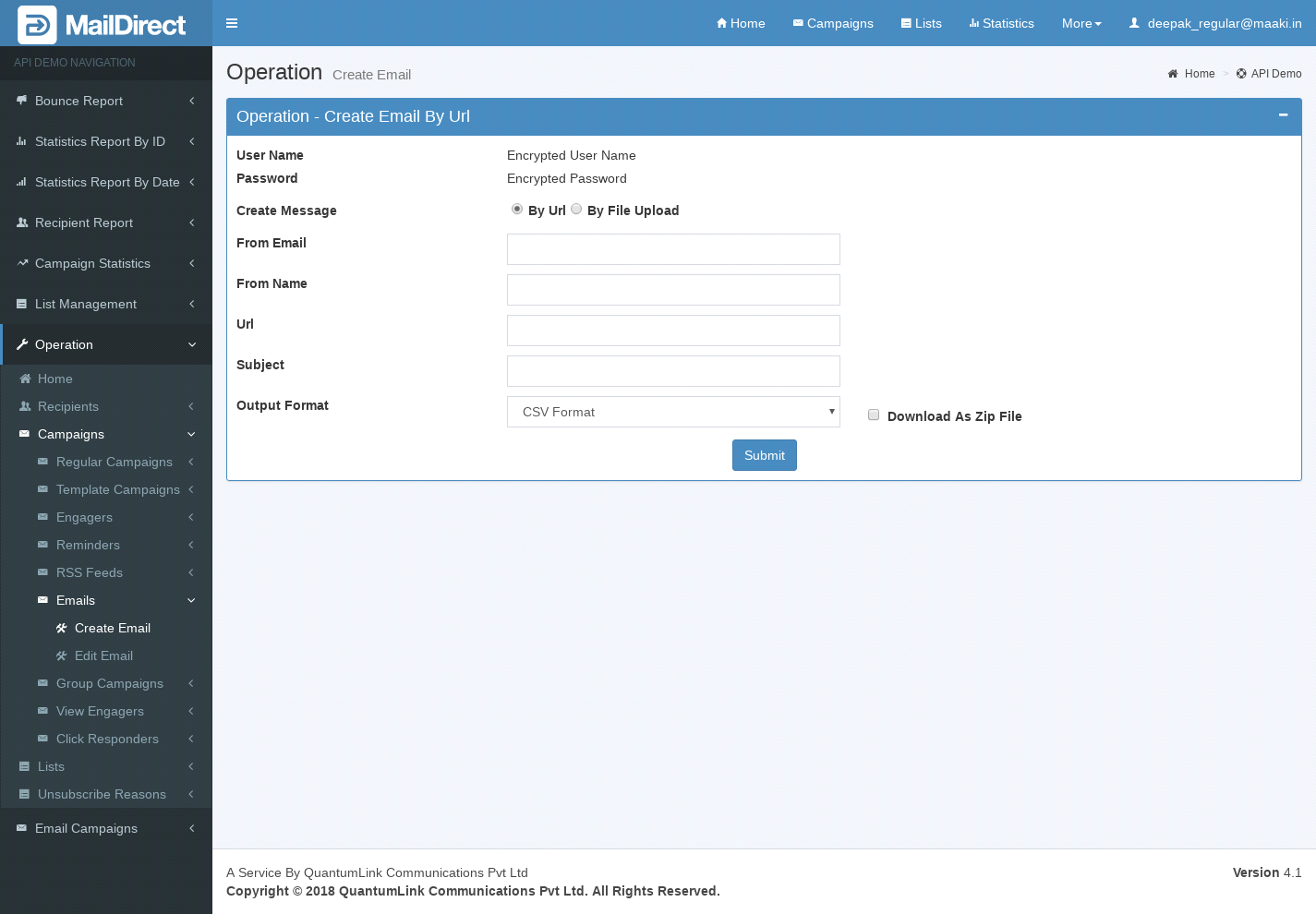
Figure : Create Email by URL option
Table : Create Email by URL option
|
Sr |
Variable Name |
Description |
|
1 |
username |
Encrypted User Name |
|
2 |
password |
Encrypted Password |
|
3 |
FromEmail |
Sender Email id |
|
4 |
FromName |
Sender name |
|
5 |
Url |
Valid url used to fetch content from it |
|
6 |
Subject |
Subject of campaign |
|
7 |
Format Option |
The Format of the file to be downloaded for details. i.e. csv or xml or json |
|
8 |
Download as Zip File |
The Type of the file to be downloaded for details. i.e. zip or text |
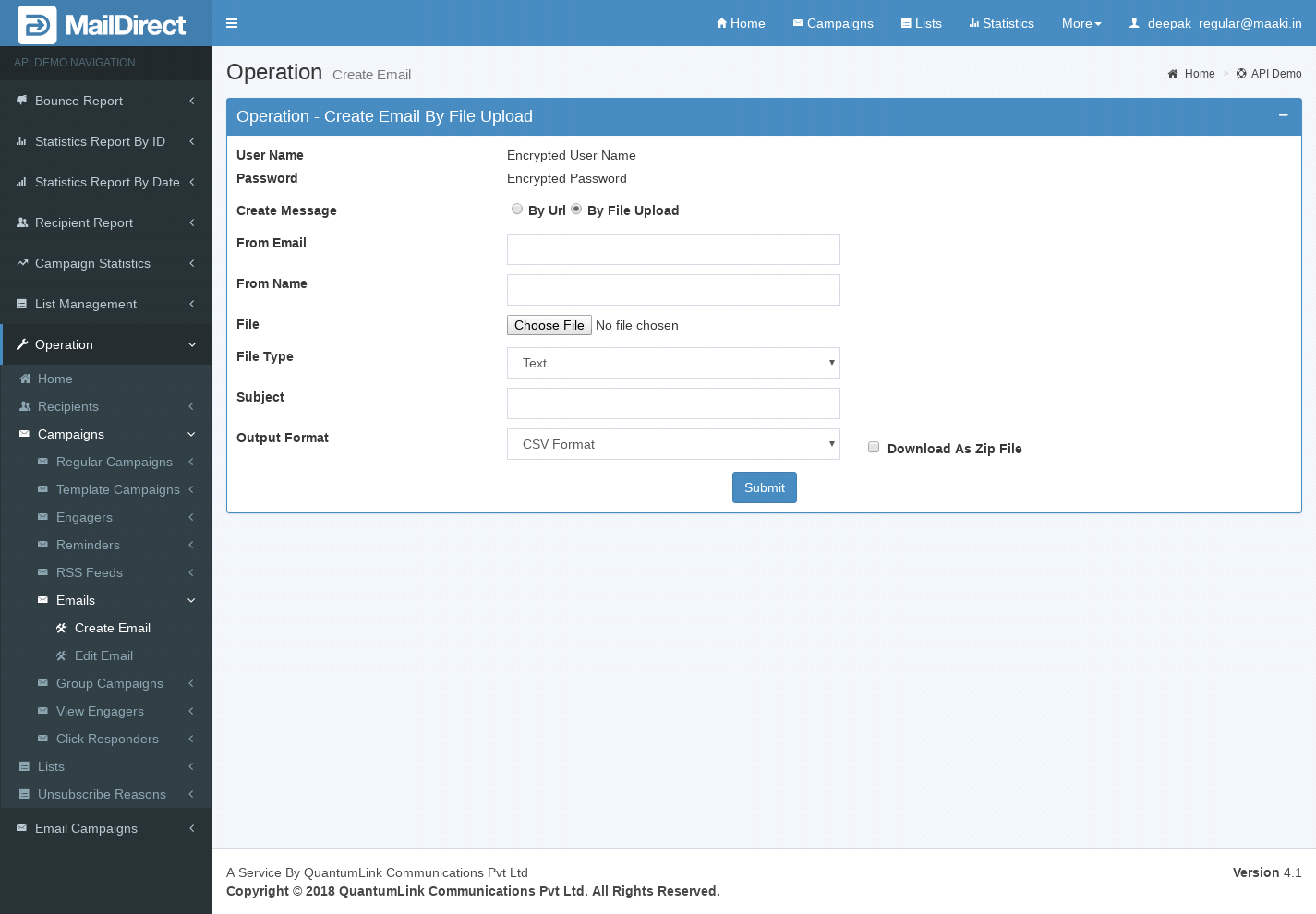
Figure : Create Email by Upload file option
Table : Create Email by Upload file option
|
Sr |
Fields |
Description |
|
1 |
username |
Encrypted User Name |
|
2 |
password |
Encrypted Password |
|
3 |
FromEmail |
Sender Email id |
|
4 |
FromName |
Sender Name |
|
5 |
File |
Valid file upload to fetch content from it |
|
6 |
File type |
Select File Type with file upload. (file type should be HTML,TEXT or EML) |
|
7 |
Subject |
Subject of campaign |
|
8 |
Format Option |
The Format of the file to be downloaded for details. i.e. csv or xml or json |
|
9 |
Download as Zip File |
The Type of the file to be downloaded for details. i.e. zip or text |