 MailDirect Help
Create Monthly Campaign
Create Monthly Campaign
- The API is used to Create and Plan/Activate Monthly Campaign by mapping email and Based on Selected Sending Day and Monthly Campaign Type.
- The Other parameters includes Monthly Campaign Name, Email ID, Lists Ids (Comma separated), Schedule Time, Expiry Date and Alert Email (Comma separated).
- The Details File downloaded in the form of zip and text.
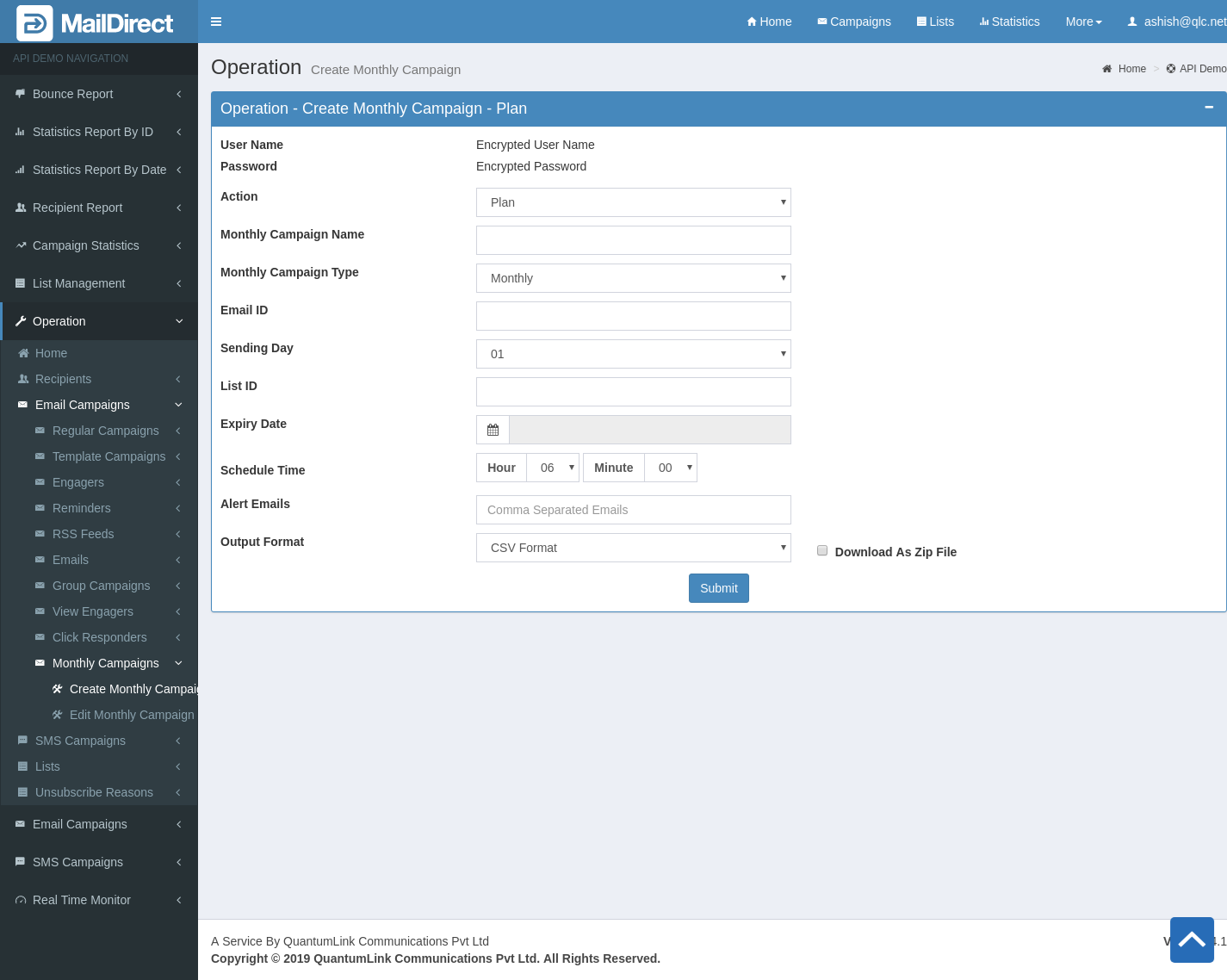
Figure : Create Monthly Campaign
Table : Create Monthly Campaign
|
Sr |
Variable Name |
Description |
|
1 |
Username |
Encrypted User Name |
|
2 |
Password |
Encrypted Password |
|
3 |
Monthly Campaign Name |
Name of Monthly Campaign to be created |
|
4 |
Email ID |
Email ID is the ID of existing Email Template |
|
5 |
Monthly Campaign Type |
This section displays drop - down of Monthly Campaign type to be selected. Monthly – Sends Monthly Campaign every month from sending days and Up to Expiry Date selected. Fort Nightly – send Monthly Campaign every 15 day of month from sending days and Up to Expiry Date selected. Bimonthly - Odd Months - send Monthly Campaign every two month Odd Months - (Jan, Mar, May ...) from sending days and Up to Expiry Date selected. Bimonthly - Even Months – send Monthly Campaign every two month Even Months - (Feb, April, June ...) from sending days and Up to Expiry Date selected. |
|
6 |
Sending Day |
On Selecting Sending Days, it will respond on months of selected day. For Monthly Campaign. |
|
7 |
Expiry Date |
Select Expiry date for monthly campaign. |
|
8 |
List ID |
List ID to be mapped to monthly campaign. |
|
9 |
Schedule Hour |
Schedule Hour of monthly campaign to be created. |
|
10 |
Schedule Minute |
Schedule Minute of monthly campaign to be created. |
|
11 |
Alert Emails |
Email IDs to send alert emails. |
|
12 |
Output Format |
The Format of the file to be downloaded for details. i.e. csv or xml or json |
|
13 |
Download As Zip File |
The Type of file to be downloaded for details. i.e. zip or text |