 MailDirect Help
Delete Test Recipients
Delete Test Recipients
- Click Delete
 button from Action column to delete test recipient data.
 - MailDirect displays confirm box to conform weather user want to delete the recipient or not.
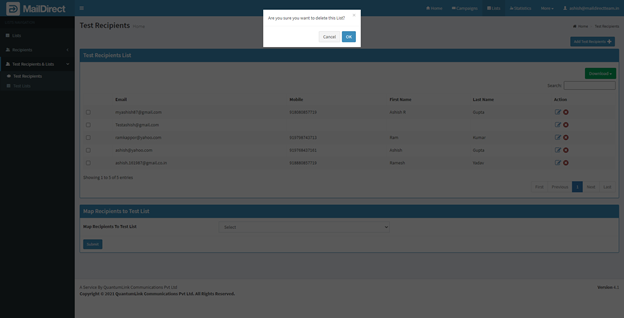
Figure : Test Recipients>Confirm Delete Action
- If user clicks OK button, it will proceed for delete action, and if click on cancel it will cancel delete action. If it will click OK MailDirect displays Test Recipients Home Page.
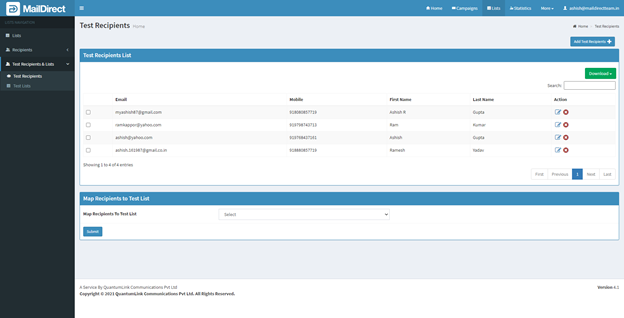
Figure : Test Recipients>Manage Test Recipients