 MailDirect Help
Edit Custom Fields
Edit Custom Fields
- The API used to edit existing custom fields.
- The Details File downloaded in the form of zip if Download As Zip File is checked or download simple text file.
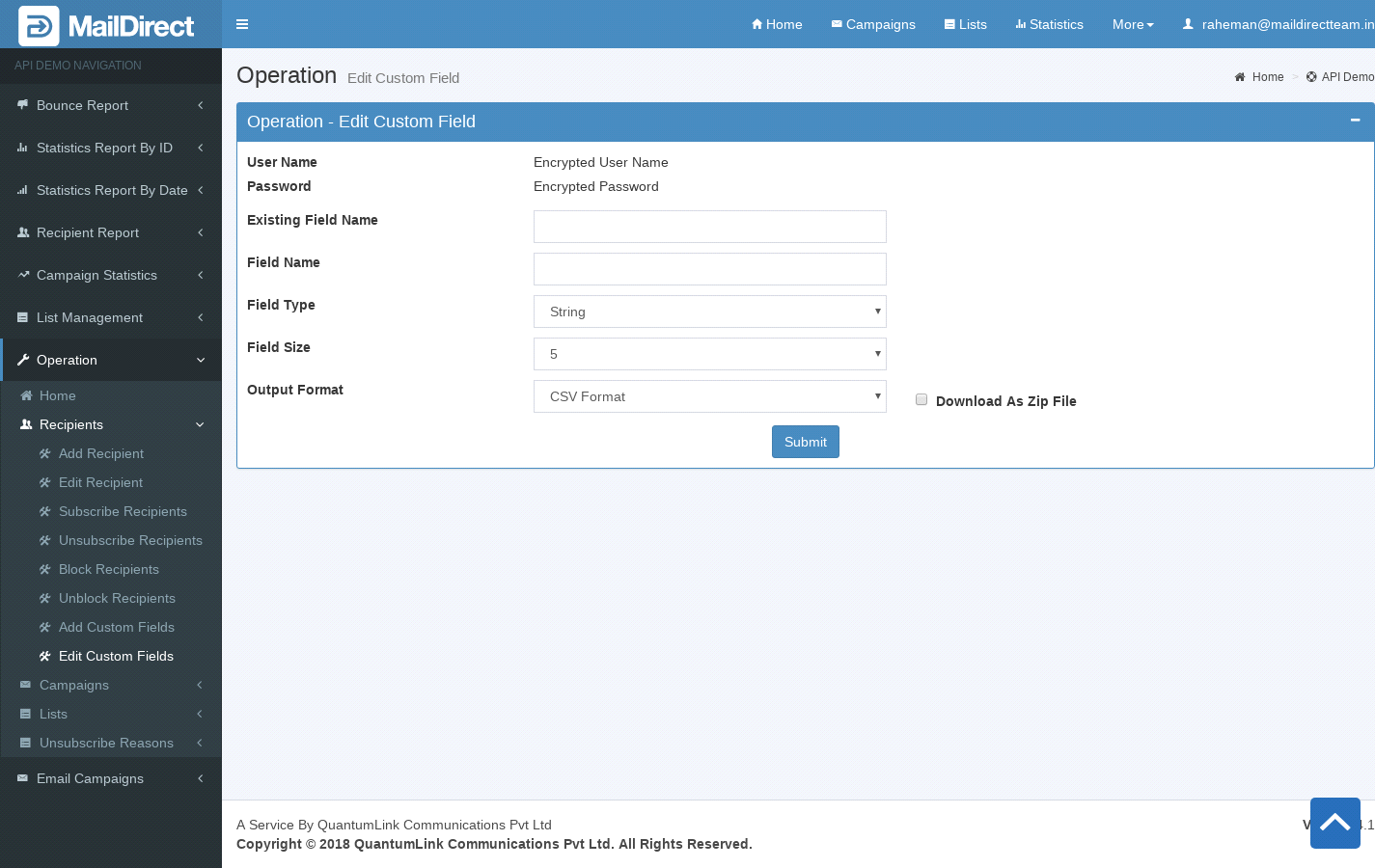
Figure : Edit Custom Fields
Table : Edit Custom Fields
|
Sr |
Fields |
Description |
|
1 |
username |
Encrypted User Name |
|
2 |
password |
Encrypted Password |
|
3 |
ExistingFieldName |
Existing Custom field name to be edited |
|
4 |
FieldName |
Custom field name to be edited |
|
5 |
FieldType |
Custom field type to be edited, i.e. string, number, phone, amount, currency and date |
|
6 |
FieldSize |
Custom field size to be edited |
|
7 |
Output Format |
The Format of the file to be downloaded for details. i.e. csv or xml or json |
|
8 |
Download As Zip File |
The Type of file to be downloaded for details. i.e. zip or text |