 MailDirect Help
Edit Group Campaign
Edit Group Campaign
- The API to Edit and Plan/Activate Group Email Campaign by using Group Campaign ID.
- The Request Details includes Group Email Name, Based On Incoming Mail, (From Email, Reply To, Return Path, From Name (if Based On Incoming Mail is Not Selected), List IDs and Status.
- The Details File downloaded in the form of zip and text.
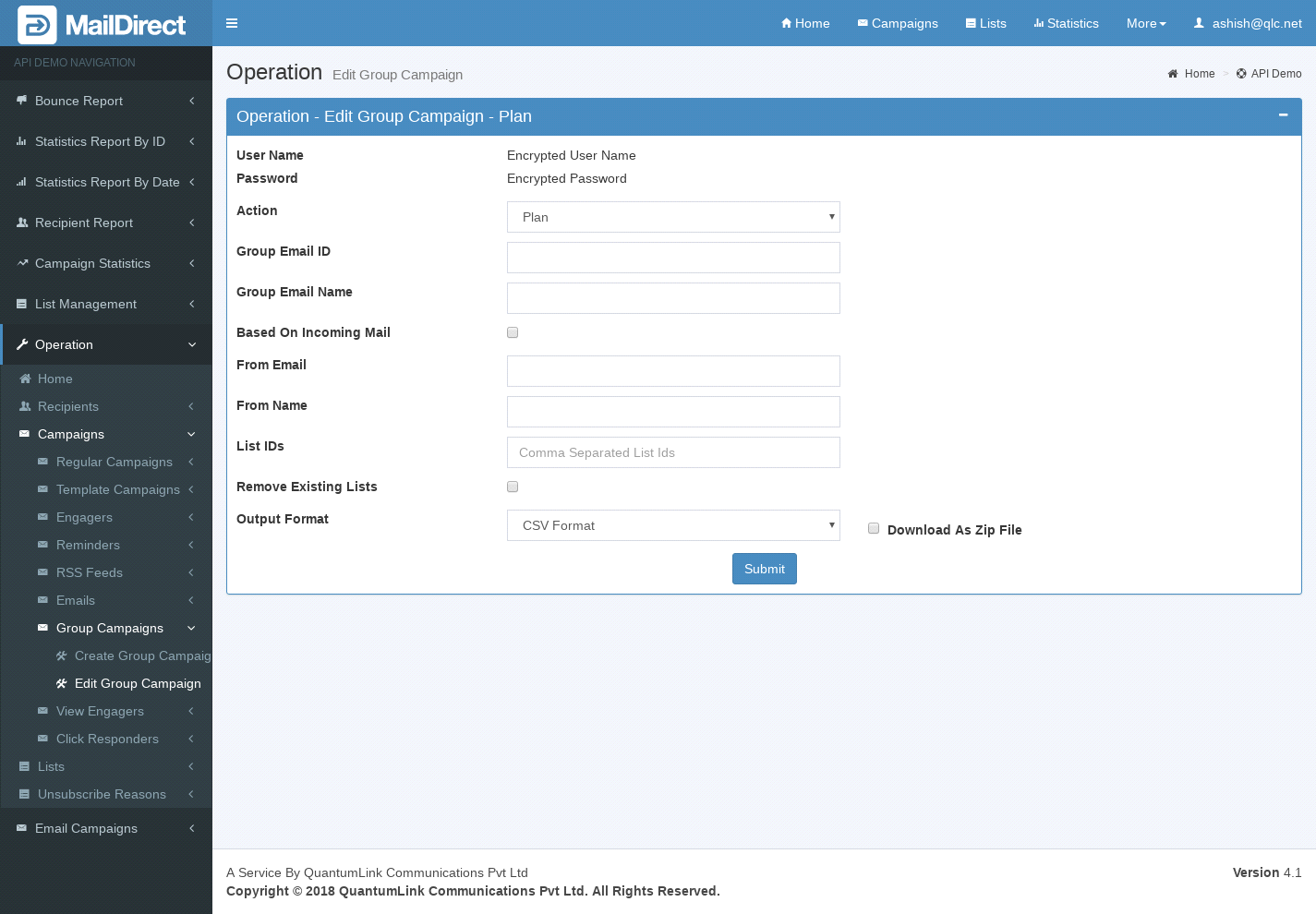
Figure : Edit and Plan/Activate Group Email Campaign
Table : Edit and Plan/Activate Group Email Campaign
|
Sr |
Variable Name |
Description |
|
1 |
username |
Encrypted User Name |
|
2 |
password |
Encrypted Password |
|
3 |
Action |
Plan or Activate Group Campaign |
|
4 |
ID |
Group email ID is required to edit group email details (Mandatory) |
|
5 |
Group Email Name |
Group Email Name * |
|
6 |
Based On Incoming Mail |
Based On Incoming Mail * |
|
7 |
From Email |
From Email * |
|
8 |
From Name |
From Name * |
|
9 |
List IDs |
The list ids * |
|
10 |
Remove Existing Lists |
Option to remove existing list ids |
|
11 |
Status |
Status – plan or active |
|
12 |
Format Option |
The Format of the file to be downloaded for details. i.e. csv or xml or json (Mandatory) |
|
13 |
Download As Zip File |
The Type of file to be downloaded for details. i.e. zip or text |
* At least one field is mandatory