 MailDirect Help
Edit and Send SMS Campaign
Edit and Send SMS Campaign
- The API is used to Edit and Send SMS Campaign by mapping mobile numbers.
- The Other parameters include Campaign ID, Campaign Name, From Label, Message, Lists Ids (Comma separated) and Remove Existing Lists.
- The Details File downloaded in the form of zip and text.
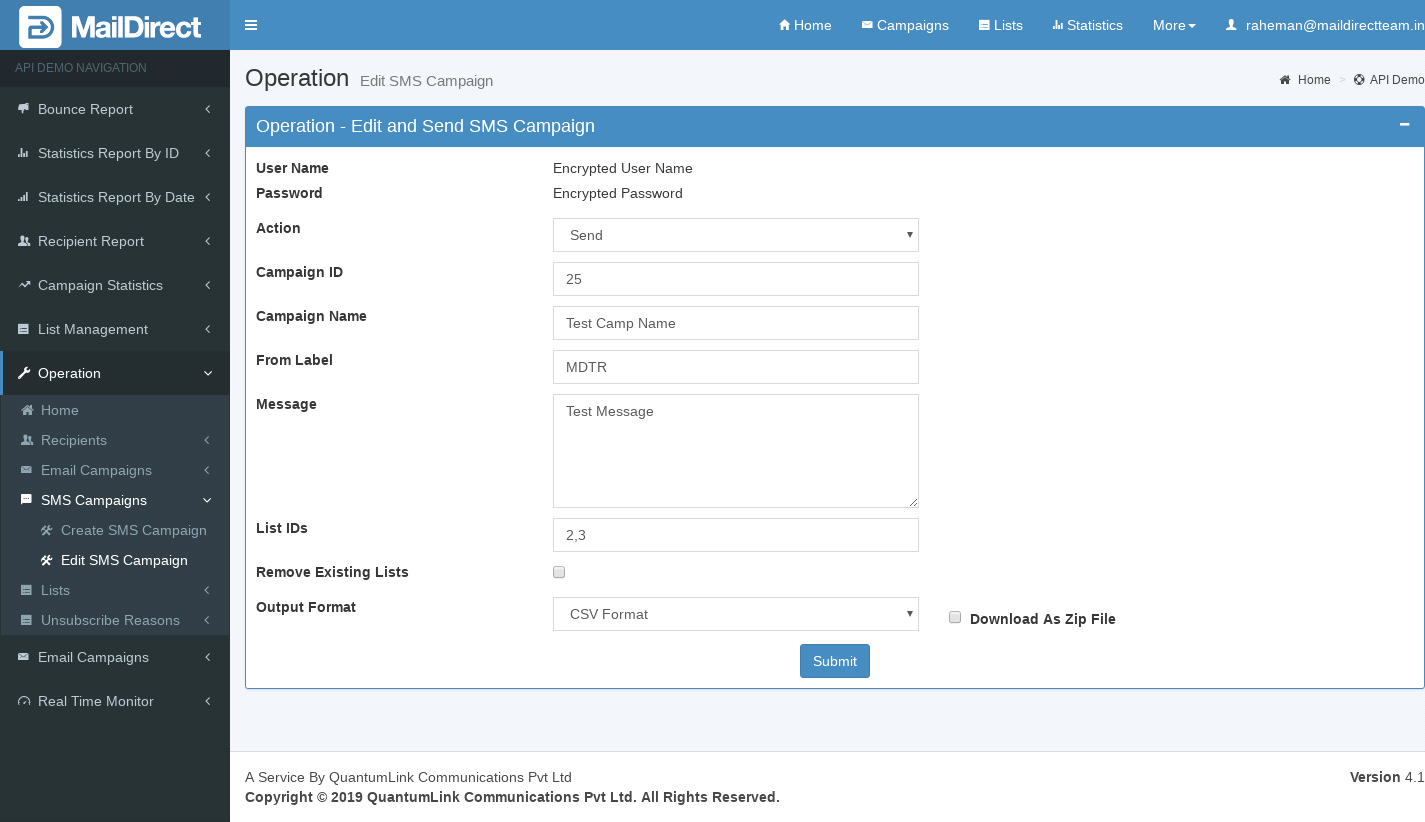
Figure : Edit and Send SMS Campaign
Table : Edit and Send SMS Campaign
|
Sr |
Variable Name |
Description |
|
1 |
Username |
Encrypted User Name |
|
2 |
Password |
Encrypted Password |
|
3 |
ID |
SMS Campaign ID to be edited |
|
4 |
Campaign Name |
Name of SMS Campaign to be edited |
|
5 |
From Label |
From Label (sender name) from which the campaign will be sent |
|
6 |
Message |
Message to be displayed as the campaign message |
|
7 |
List IDs |
List ID to be mapped to sms campaign |
|
8 |
Remove Existing Lists |
Option to remove existing lists |
|
9 |
Output Format |
The Format of the file to be downloaded for details. i.e. csv or xml or json |
|
10 |
Download As Zip File |
The Type of file to be downloaded for details. i.e. zip or text |