 MailDirect Help
Import Recipients From Hotmail
Import Recipients From Hotmail
In Import Recipients Home Page if user wants to import recipients from yahoo, click on Hotmail icon from different icons, MailDirect will displays Import Recipients screen with only Hotmail icon.
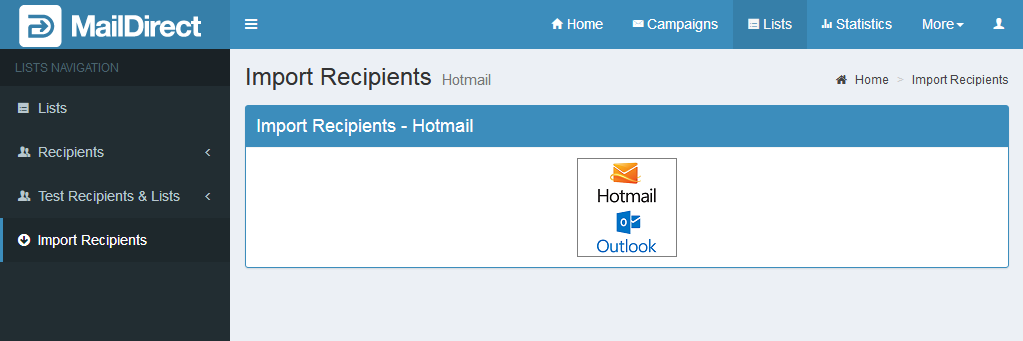
Figure : Import Hotmail Recipients
When user clicks on Hotmail icon, MailDirect will redirect you to the Hotmail log in page for authorization to import recipients from users Hotmail account.
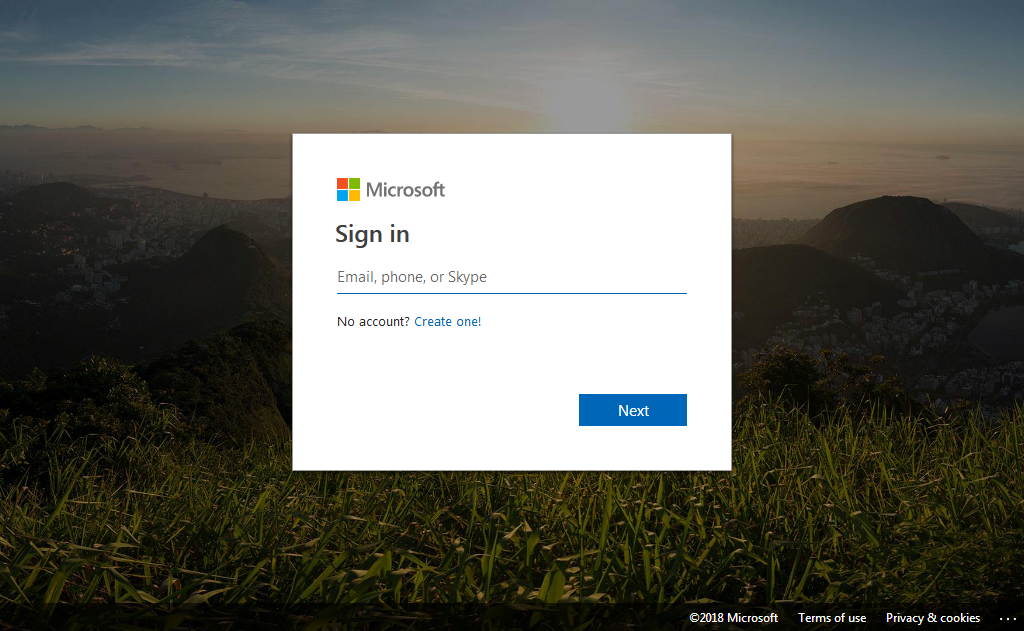
Figure : Hotmail log in to Import Recipients
When user enters valid user name and password, after authentication by Hotmail it will fetch all recipients from users account and redirect back to MailDirect Add Recipients page.
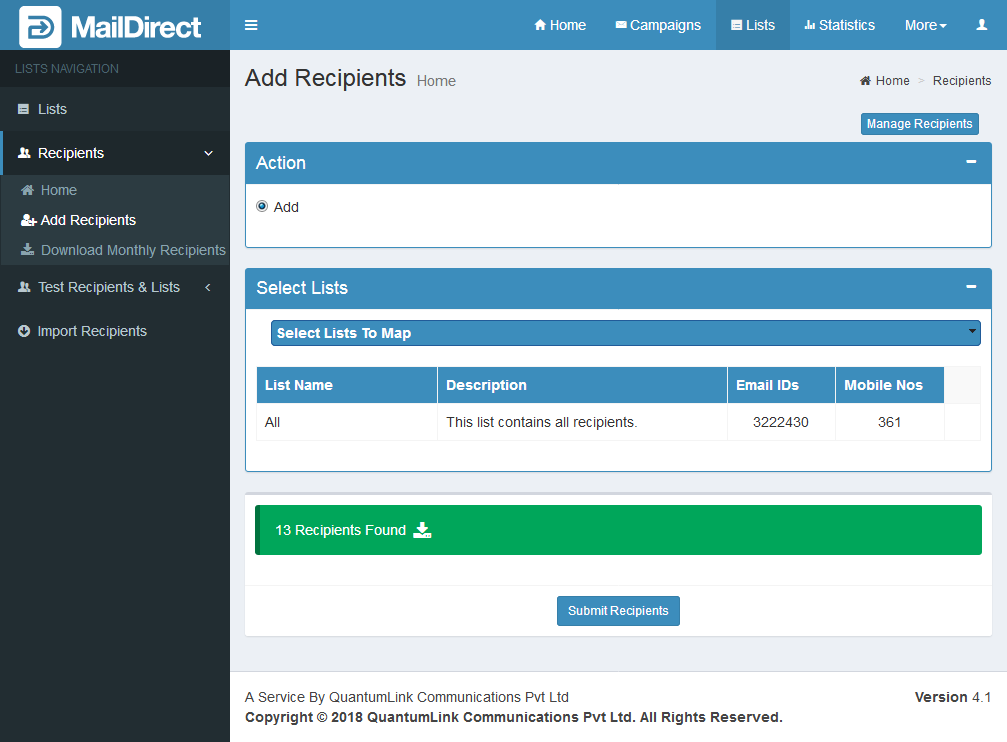
Figure : Map Recipients to the list After Import Recipients from Hotmail
Select list from Select Lists drop-down to map recipients to list for the data imported from Hotmail. At the bottom total number of recipients imported from Hotmail is displayed. Download link provides options to download imported recipients, by clicking on the link.
Clicking Submit Recipients button MailDirect will map all the imported recipients from Hotmail to the selected list.