 MailDirect Help
SMS Campaign Statistics Home Page
SMS Campaign Statistics Home Page
By default the page displays the details of SMS Campaigns sent for the current month.
The results displayed include Campaign Name, Status, SMS Sent Count, SMS Not Sent Count, Start Date and Completed Date.
The search provides the Total Monthly Data for the selected Month Range Range with option to Download the details.
The Overall Statistics Details of Total Recipients and Total Campaigns Sent are displayed.
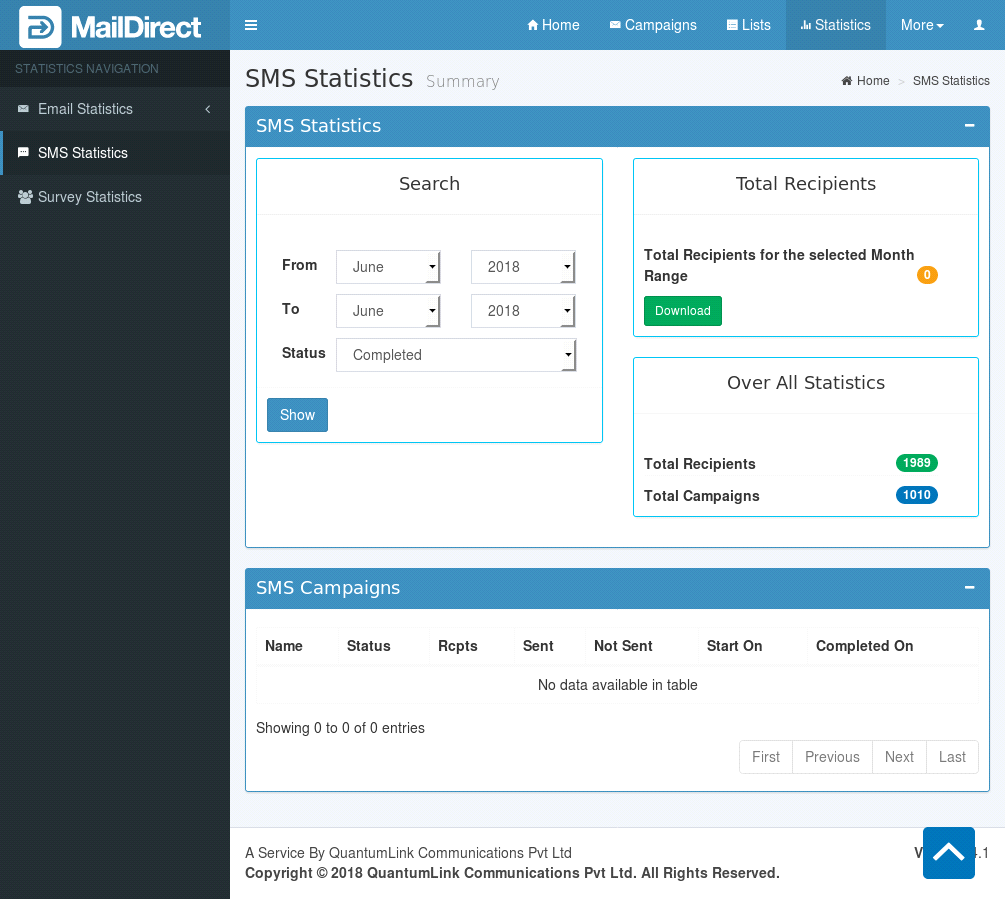
Figure : SMS Campaign Statistics – Home Page
SMS Statistics Home – Over All Statistics
The Over All Statistics section provides the count of the Total Recipients to whom SMS were sent and the Number of Campaigns sent.
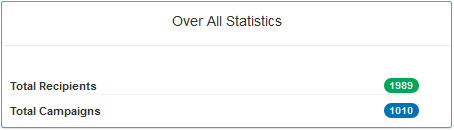
Figure : SMS Campaign Statistics – Home Page - Over All Statistics
SMS Statistics Home – Search Section
The criteria for displaying the SMS Campaign Statistics result based on Month Range are as:
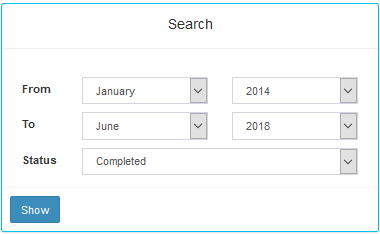
Figure : SMS Statistics Home - Search based on Month Range
Table : SMS Statistics Home – Search based on Month Range
|
Field |
Description |
|
Statistics > Total Email Data Transfer Report |
|
|
From |
Select the appropriate options to specify the month and year from when the email campaign statistics are needed. The available options are explained below Month-Select an appropriate month from the drop - down list. Year-Select an appropriate year from the drop - down list. |
|
To |
Select the appropriate options to specify the month and year till when the email campaign statistics are needed. The available options are explained below Month-Select an appropriate month from the drop - down list. Year-Select an appropriate year from the drop - down list. |
|
Status |
Active – Campaign is active. Completed – Campaign is completed. Abandoned – Campaign abandoned by admin. |
|
Show |
Click this button to view the SMS campaign statistics for the specified time - period. Note: By default sms campaign statistics for the current month are displayed. |
SMS Statistics Home – Total Recipients
On Submit the Total Recipients Section displays the Count of Total Recipients in the Selected Date Range and based on the Status. Download option provides the details of the SMS Campaign during the Selected Date Range and based on the Status.
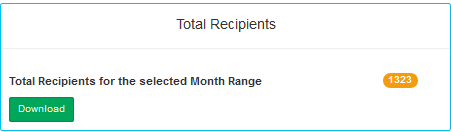
Clicking on Download will display as:
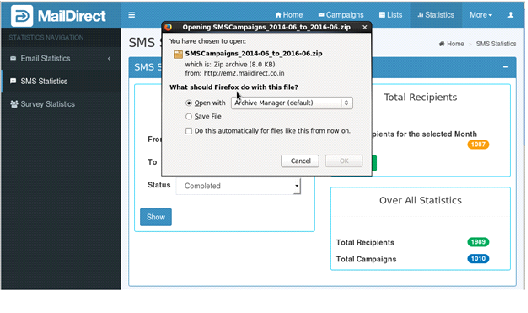
Figure : Sms Campaign Home – Download
SMS Statistics Home – SMS Campaigns
The Results of the Search are displayed in this section.
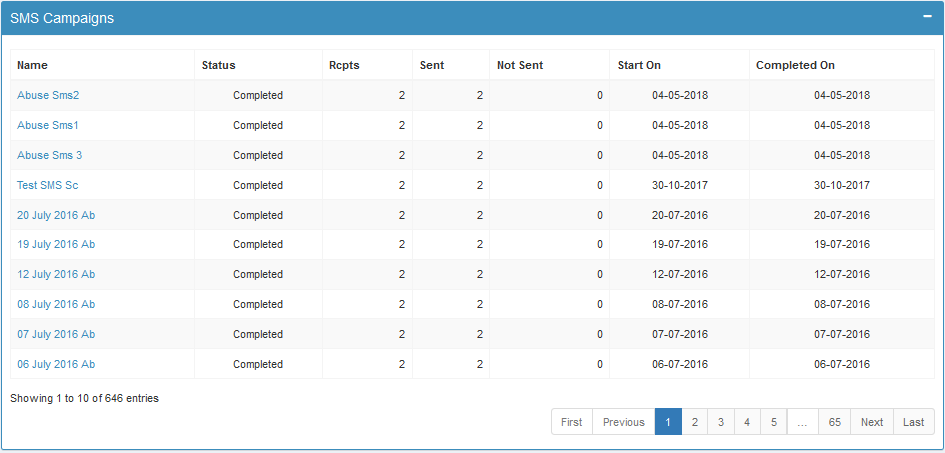
Figure : SMS Campaign Statistics – Results
The fields displayed are explained below:
Table : SMS Campaign Statistics – Results
|
Name |
This field displays Name of the SMS Campaign |
|
Status |
This field displays of the SMS Campaign, like completed, active abandoned |
|
Rcpts |
This field displays total number of recipients mapped to the SMS campaign |
|
Sent |
This field displays total number of recipients to whom SMS campaign have sent |
|
Not Sent |
This field displays total number of recipients to whom SMS campaign have not sent |
|
Start On |
This field displays date on which SMS campaign have started |
|
Complete On |
This field displays date on which SMS campaign have completed |
- When user clicks on name of the SMS Campaign, MailDirect will displays SMS Statistics page for the SMS Campaign.