 MailDirect Help
Unsubscribe Recipients
Unsubscribe Recipients
- The API is used to Unsubscribe Recipients (Based on Comma Separated Values) from List (Comma Separated List IDs).
- The Comma Separated Values can be Recipient IDs, Emails, Mobile Numbers and Uniques (in case of Unique Field option) which is based on Unsubscribe by Field options i.e. By Recipient IDs, By Emails, By Mobile Numbers and By Uniques.
- The Unsubscribe Field determines, whether the Email or Mobile No is required to be unsubscribed.
- The Details File downloaded in the form of zip and text.
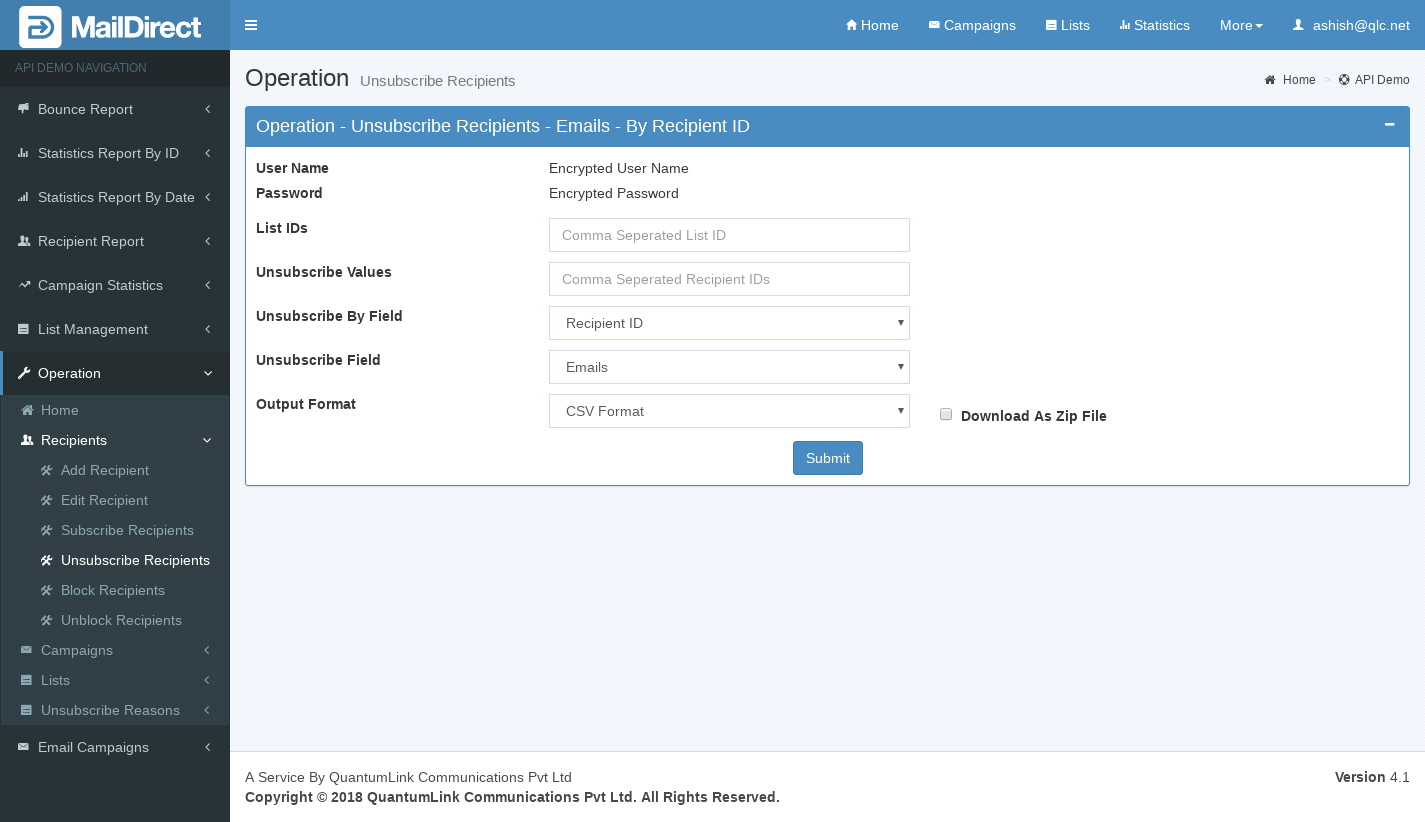
Figure : Unsubscribe Recipients–Emails
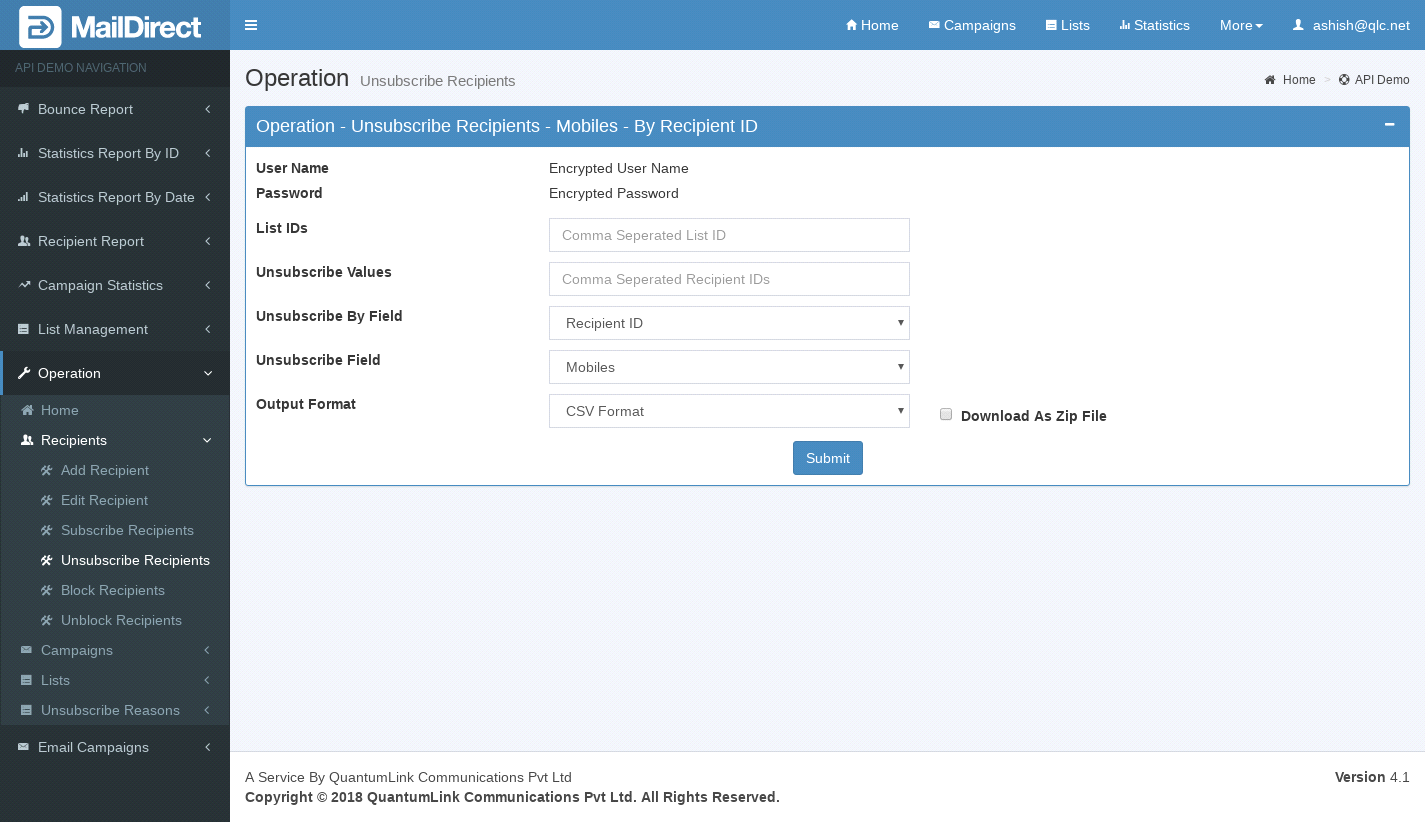
Figure : Unsubscribe Recipients–Mobiles
Table : Unsubscribe Recipients
|
Sr |
Variable Name |
Description |
|
1 |
username |
Encrypted User Name |
|
2 |
password |
Encrypted Password |
|
3 |
List IDs |
The list Ids is required to unsubscribe (Comma Separated) |
|
4 |
Unsubscribe Values |
Unsubscribe Values is required to unsubscribe From Lists (Comma Separated) |
|
5 |
Unsubscribe By Field |
Unsubscribe By Field – The basis to get Recipients, i.e. By Recipient IDs, By Emails, By Mobile Numbers and By Uniques |
|
6 |
Unsubscribe Field |
Unsubscribe Field - Email or Mobile No. which is required |
|
7 |
Output Format |
The Format of the file to be downloaded for details. i.e. csv or xml or json |
|
8 |
Download as Zip File |
The Type of the file to be downloaded for details. i.e. zip or text |