 MailDirect Help
List Home
List Home
On the List Manager menu, click the List option from top menu. MailDirect displays the Manage Lists screen. The lists are mapped to campaigns and thus define the recipients for the Email and Sms Campaign.
This section provides instructions on how to create a contact list and search recipients and manage contact lists. It allows downloading of Blocked Email IDs, Unsubscribed Recipients, Restricted Recipients, Recipient Tracker and Blocked Mobile Nos.
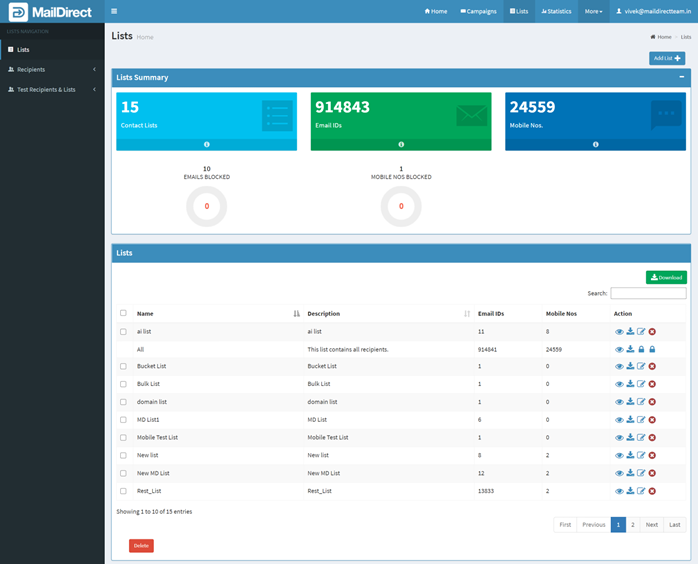
Figure : List Home