 MailDirect Help
Save as Draft - SMS Campaign
Save as Draft - SMS Campaign
This option is available at Sms Campaign Wizard – Finalize Section and Quick Sms Campaign page.
- To save a campaign as a draft using the Plan button:
- Click on the Set as Planned button.
- Mail Direct displays the Create New Campaign screen with the campaign added to the Planned SMS Campaigns section.
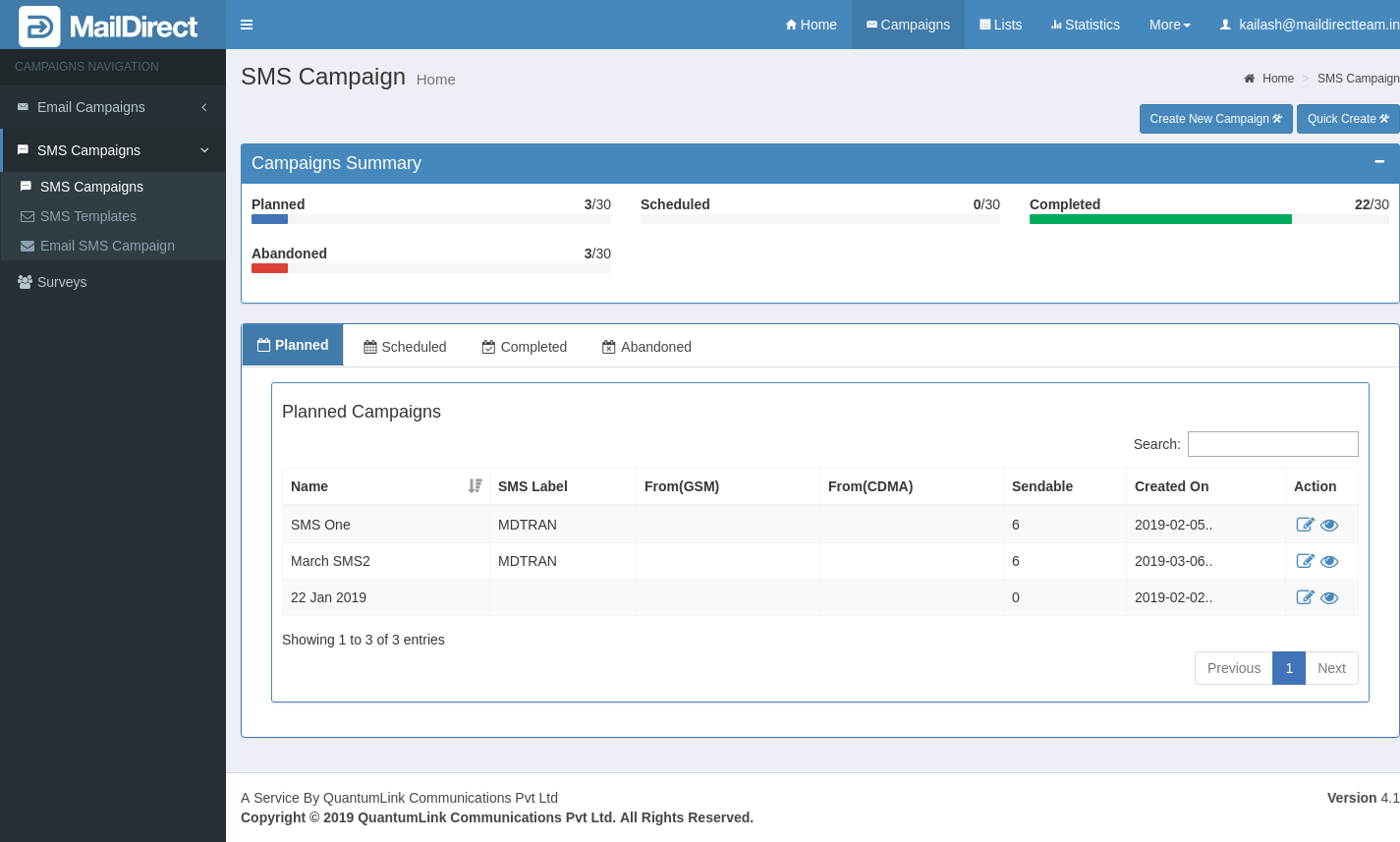
Figure : SMS Campaign List-Planned