 MailDirect Help
Set Download Password
Set Download Password
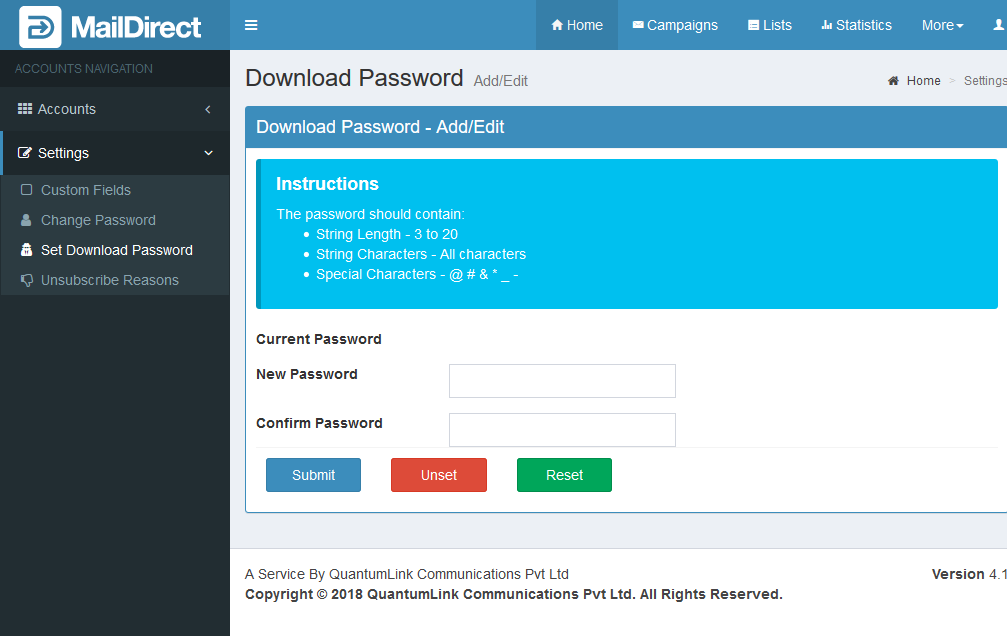
Figure : Set Download password
Table : Set Download password
|
Field |
Description |
|
Current Password |
This field displays the name of the corresponding template for Campaign |
|
New Password |
Type an appropriate password to set as the new password |
|
Confirm Password |
Retype new password in confirmation |
- Click the Submit button, MailDirect displays the changed password screen.
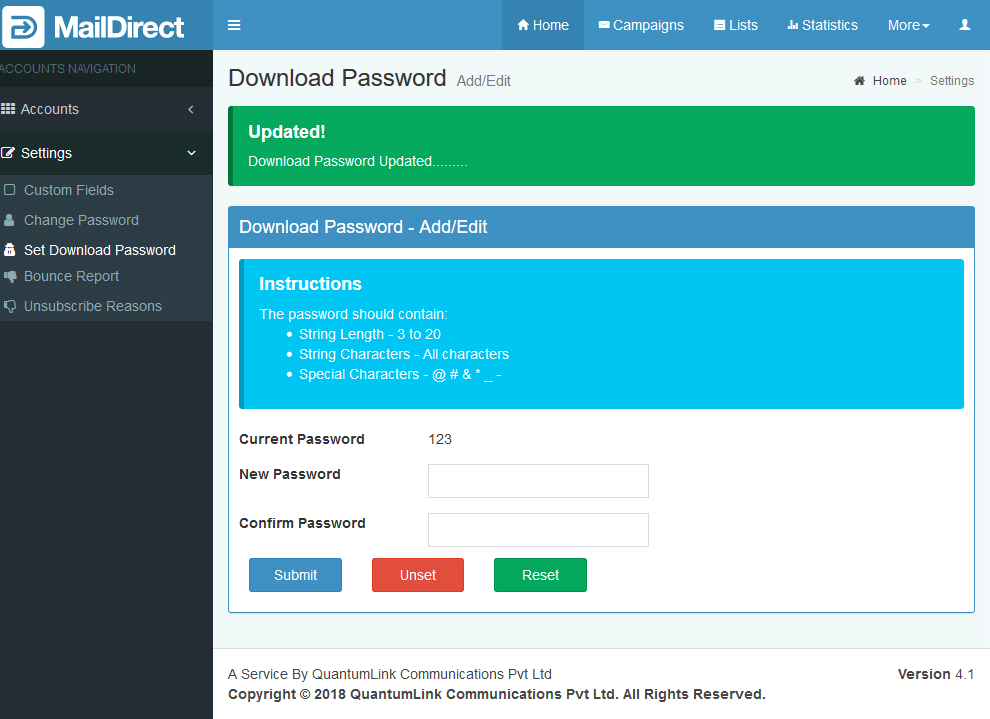
Figure : Changed Download password
Unset Button:
Removes Download Password
Reset Button:
Clears New Password and Confirm Password input fields.