 MailDirect Help
Test SMS Template
Test SMS Template
This option is available at Sms Template Wizard – Finalize Section,
To test a SMS Template for a real - time view using the Test Button:
- Click the Test button on SMS Campaign wizard – Finalize Section.
- Mail Direct displays the Test Campaign screen.
Alternatively there is an option to send Test Mails from the Test List.
- Select the Test List, Click the Submit button

Figure : Test Sms Template Pop-Up
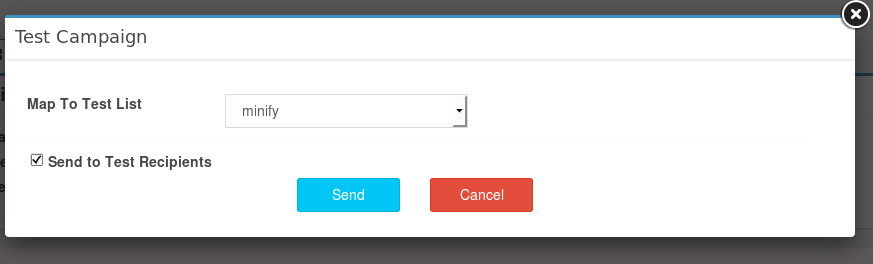
Figure : Test Sms Template Map list
|
Field |
Description |
|
|
Type an appropriate email address of the recipient of the template under test. |
|
Mobile No |
Type an appropriate mobile number to which the template will be sent for a test in real - time. |
|
First Name |
Type an appropriate first name of the recipient of the template under test. |
|
Last Name |
Type an appropriate last name of the recipient of the template under test. |
|
Custom Fields – Created by User |
Type an appropriate value. |
Note: The number of fields for entering personal details can differ if the user has customized the fields using the Fields Manager tab in the Settings menu.