 MailDirect Help
View Test List
View Test List
- To perform this action click on View
 Button from action column.
 - MailDirect will displays Test Recipients Mapped to List screen, here displays list of recipients mapped to this test list.
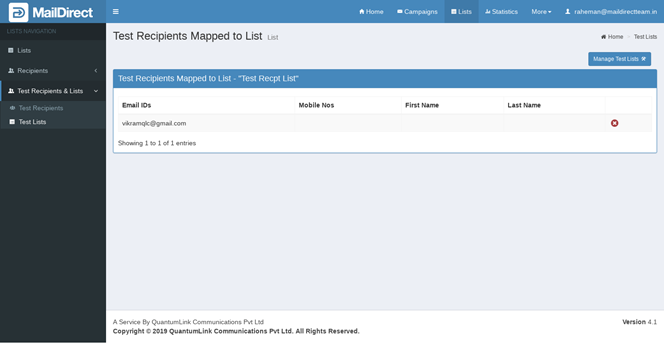
Figure : Test Recipients>Test Recipients Mapped to Lists (View Test List)
The Recipient can be deleted by clicking  Delete for the corresponding Email and Mobile No in the row.