 MailDirect Help
AB-Split Test campaign
AB-Split Test campaign
- On click on AB Split Test.
- The A-B Split functionality from Mail Direct enables to test two versions of your campaign in simultaneously.
- You can now test campaign based on subject line, sender name, sender id and Contents.
- Group A and Group B contains details of sending details. At least one value should not match for creating AB split test campaign (From Email, Reply To, From Name, Subject, and Unsubscribe Text).
- Mail Direct displays the AB split test Campaign screen.
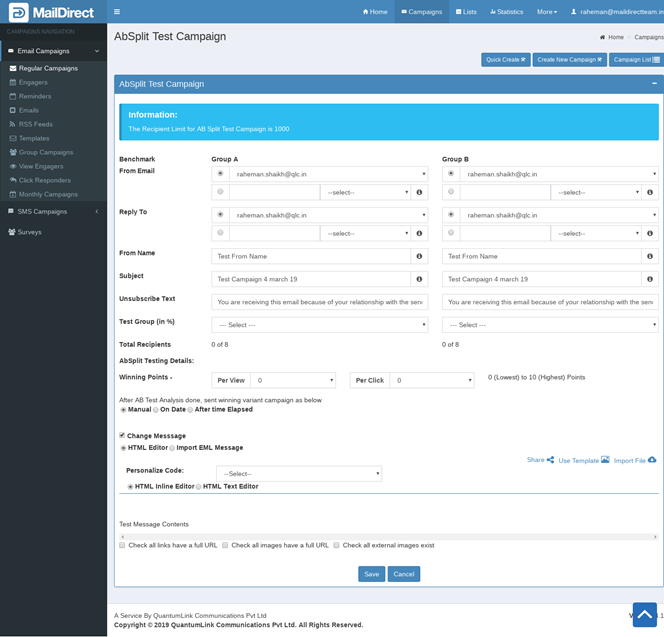
Figure : Test Campaign- AB-Split Test Campaign
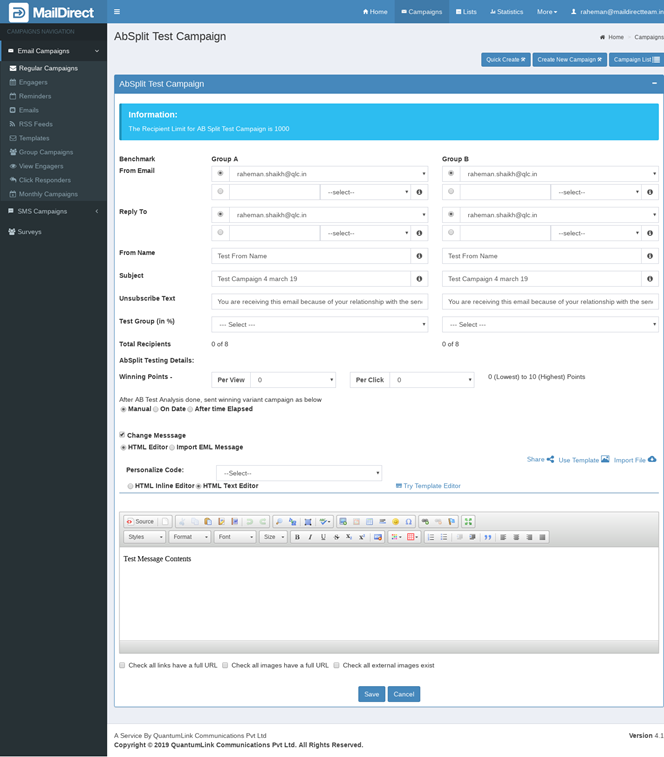
Figure : AB-Split Test Campaign – HTML Text Editor
Table : AB-Split Test Campaign
|
Field |
Description |
|
From Email |
Get email ID from which the campaign to AB-Split test will be sent or can add new email Id. |
|
Reply To |
Get email ID to which all the replies for the campaign to AB-Split test will be received or can add new email Id. |
|
From Name |
Get sender name from campaign to AB-Split test or can add new from name. |
|
Subject |
Get subject line for the campaign to AB-Split test or can add new subject. |
|
Unsubscribe Text |
Type an appropriate Unsubscribe Text. |
|
Test Group (in %) |
Number of sample recipient (For A and B) from total recipients (maximum 1000) recipients. |
|
Total Recipients |
Total recipient selected from percentage. |
|
AB-Split Testing Details |
|
|
Winning Points |
Per View and Per Click decided for winning campaign from A and B. If winning point is same then by default Group A will win. |
|
After AB Test Analysis done, sent winning variant campaign as below |
Manual – campaign send manually, On Date – campaign send on date and time and After time Elapsed – campaign send after day and time. |
|
Change Message |
If checked then it shows Compose message HTML editor and Import EML Message. |
- Enter the appropriate details in the required fields.
Note: Users who fail to configure DNS records, such as DMARC, SPF, and DKIM, will have an error message pop-up and won't be able to continue until DNS records are configured. At this stage, the user is not allowed to run an AB split test campaign using Group A and Group B details.
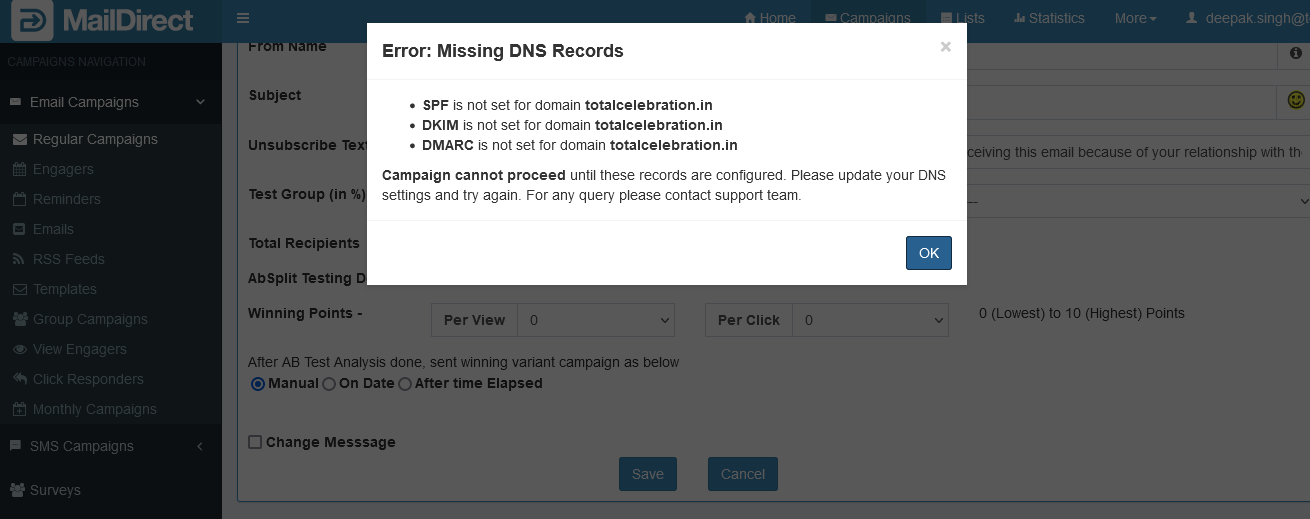
Figure : AB - Split Test Campaign - Error : Missing DNS Records