MailDirect Help
Bounce Report Home
Bounce Report Home
When clicking on Bounce Report link in Report and Downloads Section of Email Statistics Section of Left Menu, MailDirect will display the Bounce Report screen.
This section provides user to download or send it as an attachment to the a Email the Bounce Details between the selected Date Range.
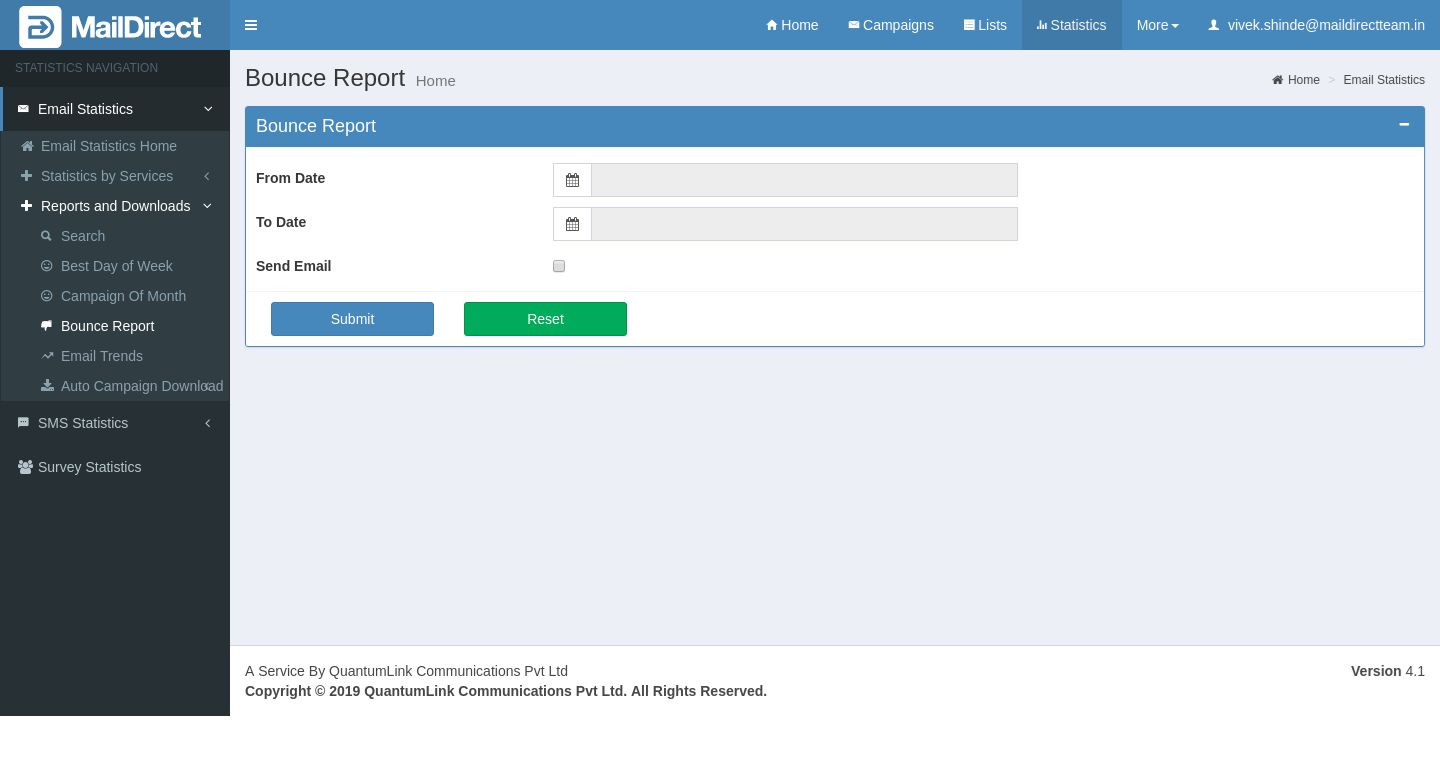
Figure : Bounce Report - Home Page
Table : Bounce Report
|
Field |
Description |
|
From Date |
This field displays calendar (Date Picker) to select from date. This field is mandatory |
|
To Date |
This field displays calendar (Date Picker) to select to date. This field is mandatory |
|
Send Email |
This field displays checkbox to check, if user wants email of the bounce report. This field is not mandatory |
|
|
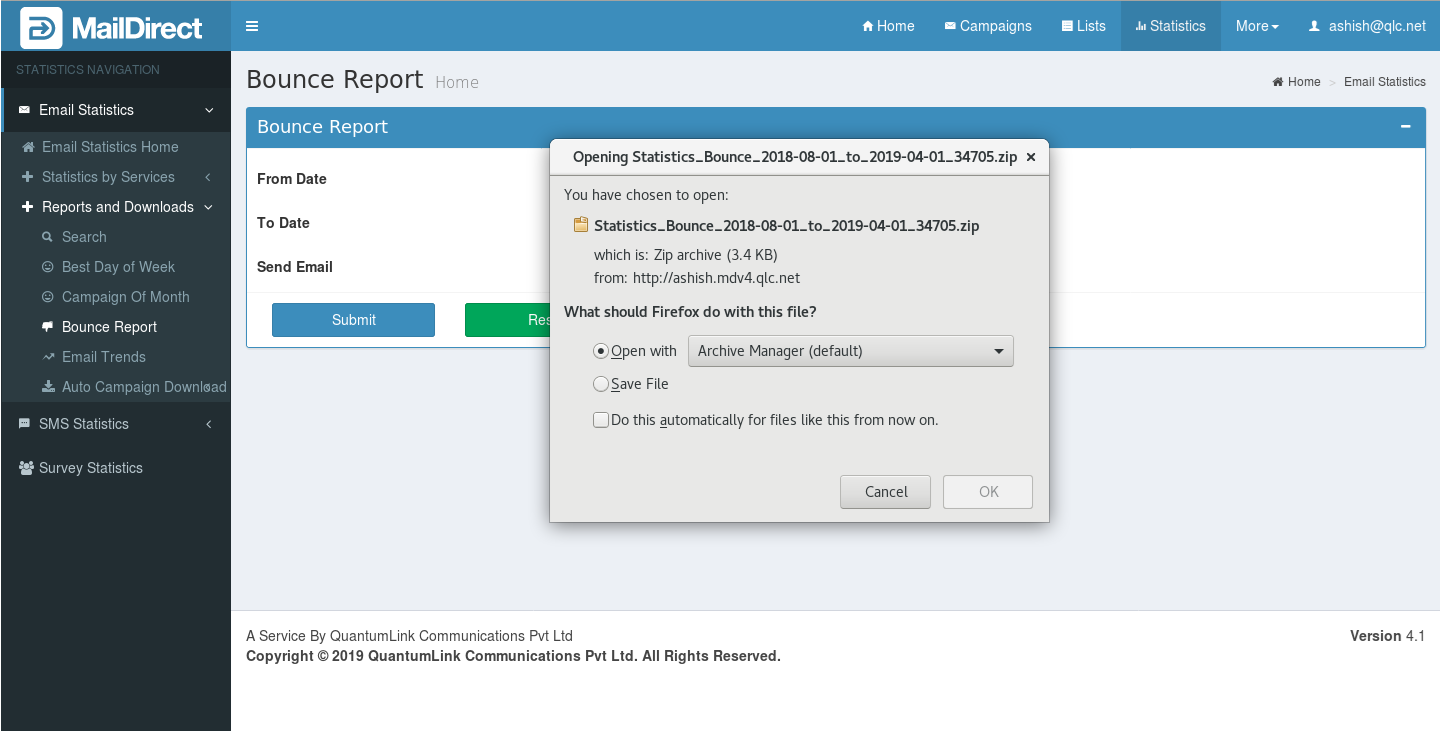
If user selects from date and to date, and click on submit button, MailDirect displays download Statistics Bounce screen.
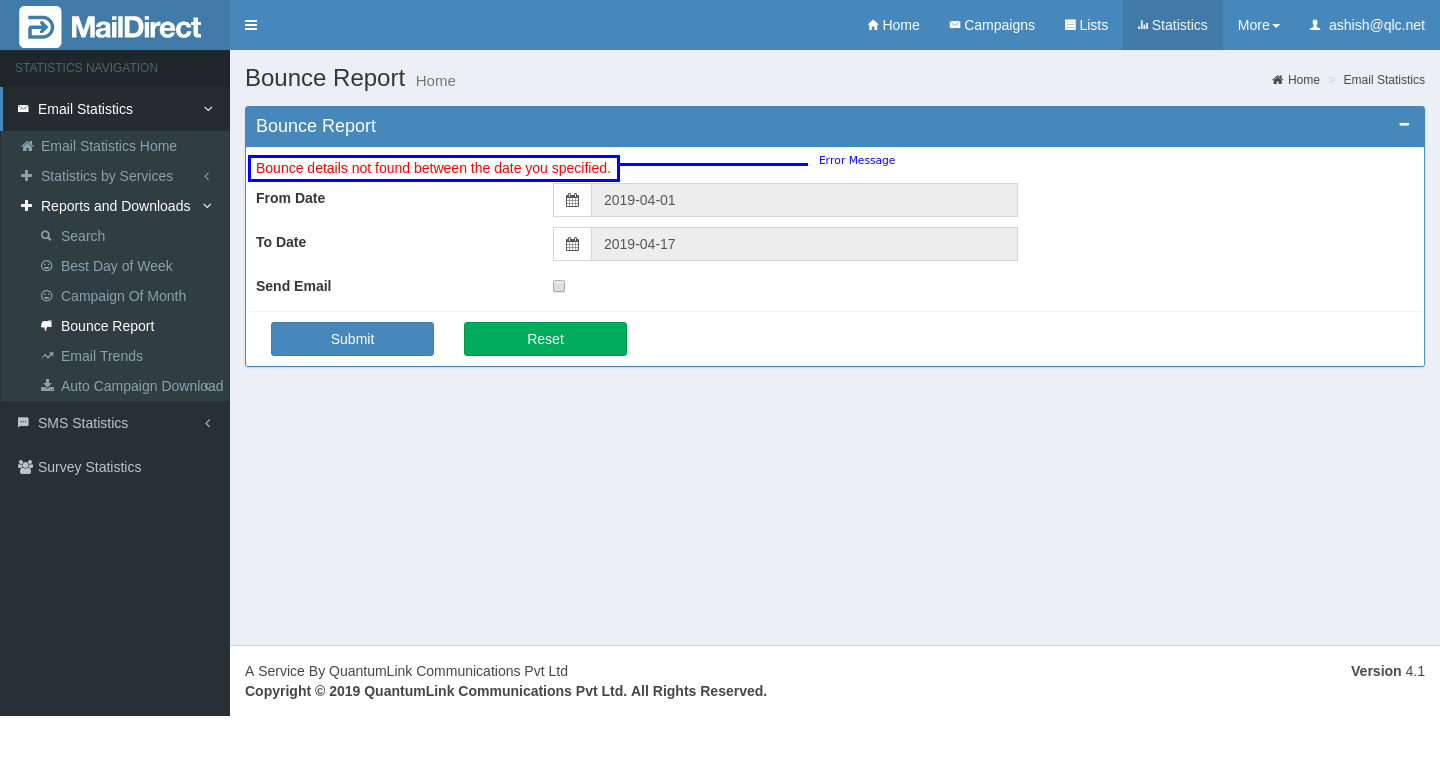
Figure : Bounce Report Home- Download Here user can save file by selecting save file radio button or can open file by selecting open file button. By default save file button is selected. If bounce report not found between selected from date and to date range, MailDirect displays screen with error message,
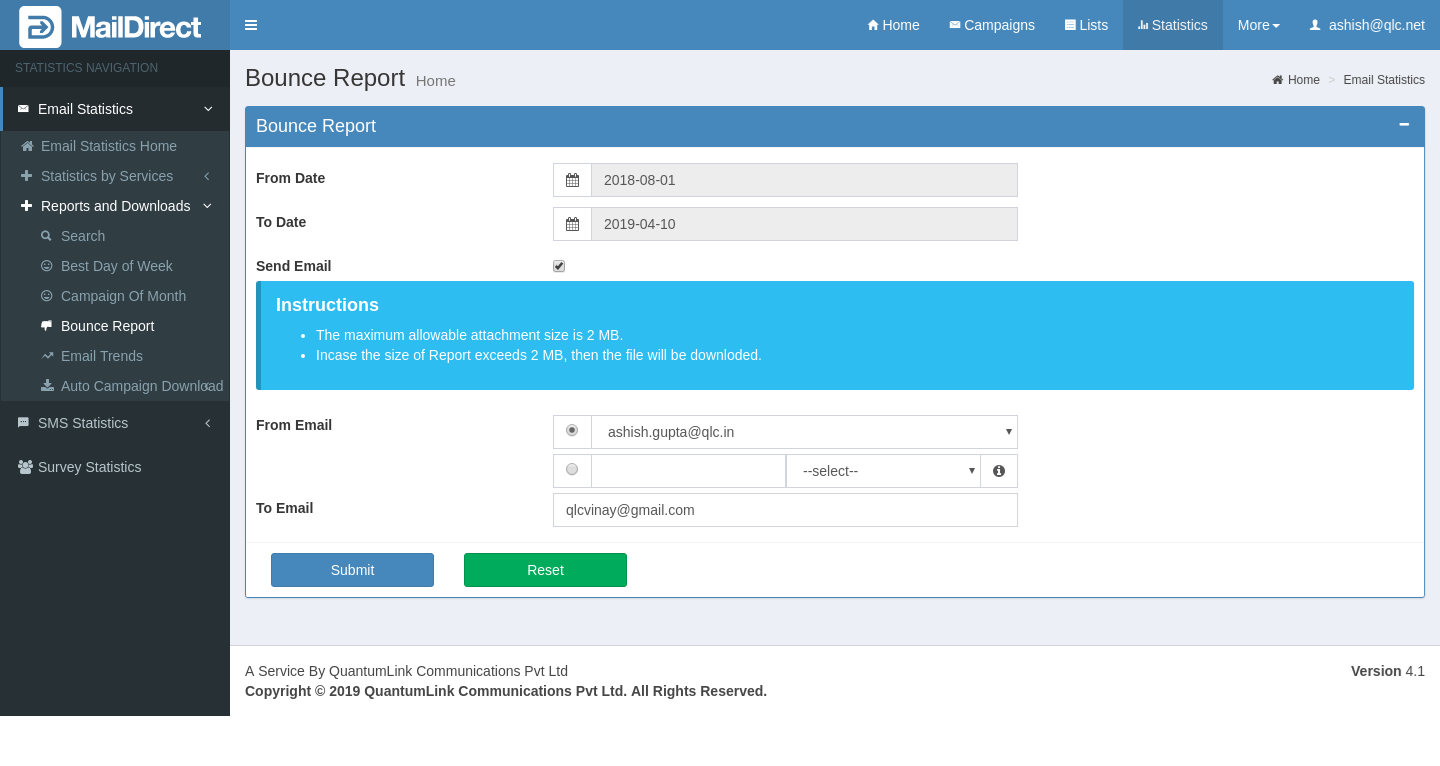
Figure : Bounce Report Home - Error Message When Checking Send Emails, the Instruction Section and From Email and To Emails input Section appears:
Figure : Bounce Report Home - Email Reports as Attachment After Selecting From Email and filling the input – To Email and clicking on Submit Button, the reports will be mailed to the recipient as an attachment and the page will display as:
Figure : Bounce Report Home - After Email Reports Sent as Attachment |