 MailDirect Help
Compose Message by Uploading EML message
Compose Message by Uploading EML message
- Select the Import EML message option to import an EML message.
- MailDirect displays the Compose Message screen with the Import EML message option.
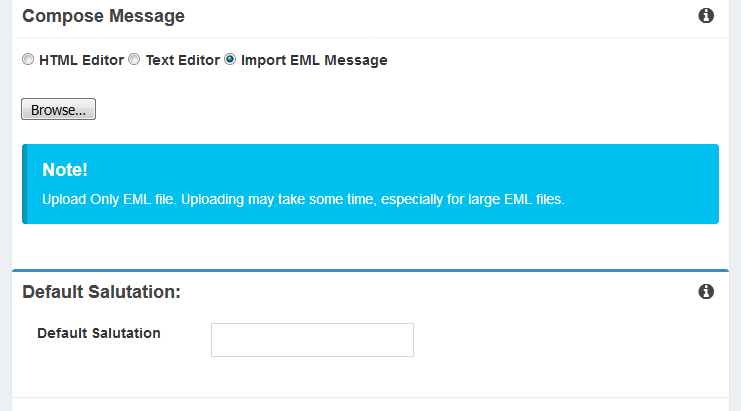
Figure : Creating New Campaign –Import EML Message
Table : Creating New Campaign –Import EML Message
|
Field |
Description |
|
Browse |
Enter the location of the file or click Browse to go to the location of the EML file and attach an appropriate EML. |
Note: Before importing the EML file, map an appropriate survey in the HTML Editor and copy the survey link at an appropriate position in the EML file to be imported.
- Enter the location of the file or browse to the appropriate location.