 MailDirect Help
Delete List
Delete List
To delete a list:
- Click the Delete
 option corresponding to the list to be deleted.
 - MailDirect display the Delete List alert Message.
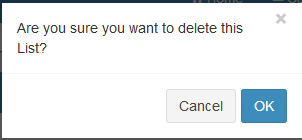
Figure : Delete List Alert Message
- Click the OK button.
- The selected list will be deleted.
- And if user clicks Cancel button, it cancels delete action.
- User can delete a list by using another way too that is, by checking the checkbox corresponding to the list to be deleted, after check box is checked click on the delete button which is at the bottom of the lists.
- MailDirect displays the Delete List alert Message.
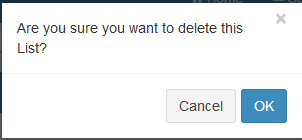
Figure : Check box Delete List Alert Message